TL;DR
Podcasting is a powerful way to share your ideas, build your brand, and connect deeply with listeners. To start and grow a successful show, you need to: choose a focused topic and clear name, plan your content and format, record and edit clean audio, publish via a podcast host with an RSS feed, submit your show to major platforms like Apple Podcasts and Spotify, and consistently promote episodes through social media, your website, email, and collaborations. When you deliver valuable content on a regular schedule and keep engaging your listeners, your audience will grow steadily over time.
FAQs
Do I need expensive equipment to start a podcast?
No. You can begin with a basic USB microphone, headphones, and free editing software like Audacity or GarageBand, then upgrade your gear as your show grows.
How long should a podcast episode be?
There is no single perfect length. Many successful shows run between 15 and 60 minutes. Focus on delivering value and keeping the content tight rather than hitting a fixed number of minutes.
How often should I release new episodes?
Weekly is a common schedule, but consistency matters more than frequency. Choose a rhythm you can maintain long term, such as weekly, biweekly, or monthly.
Which platforms should my podcast be on?
At minimum, you should be on Apple Podcasts, Spotify, Google Podcasts, and one or two others like Stitcher. Your podcast host will give you an RSS feed that these platforms use to pull your episodes.
How can I grow my podcast audience?
Promote each episode on social media, your website, and your email list. Ask listeners to subscribe, rate, and review. Collaborate with other podcasters and appear as a guest on related shows to reach new audiences.
Introduction
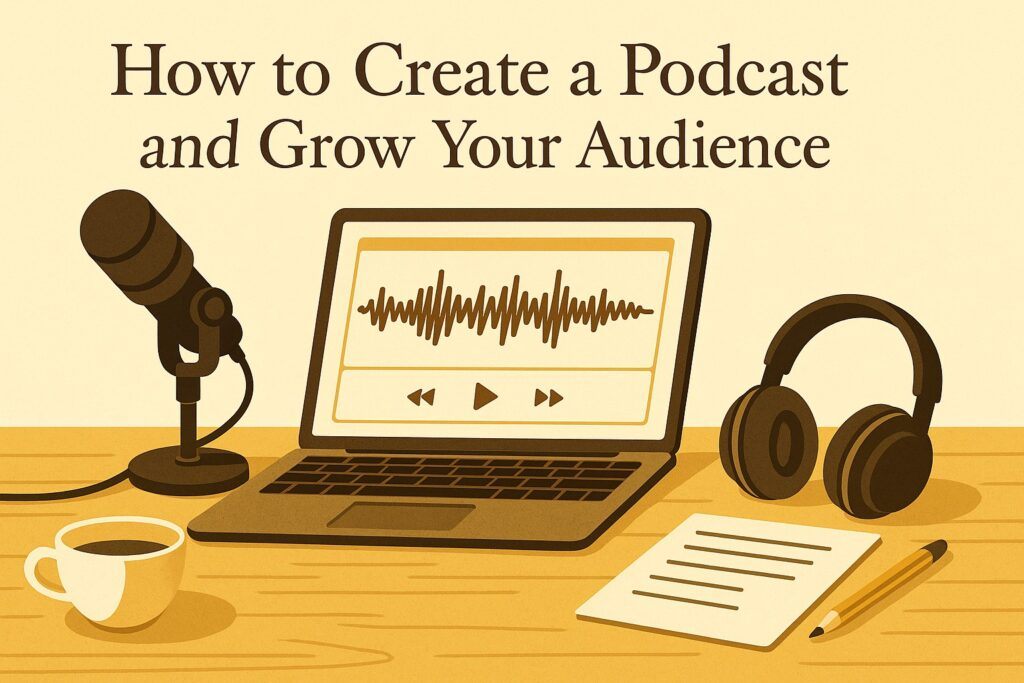
Podcasting has become one of the most effective ways to share your voice, message, or story with the world. It allows you to build trust with your listeners, grow your personal brand, support your business, and connect with a community that cares about what you talk about.
However, starting a podcast is more than plugging in a microphone and talking. It requires planning, preparation, and consistent promotion. You need a clear topic, a solid format, a basic technical setup, and a strategy to distribute and market your episodes.
In this guide, you will learn how to:
- Choose a topic and name for your podcast
- Plan your content and format
- Record and edit your audio
- Publish and distribute your podcast
- Promote your show and grow your audience
Related: Digital Marketing Ultimate Guide
Step 1: Choose a Topic and a Name for Your Podcast
Pick a Focused, Sustainable Topic
Your topic is the foundation of your show. It should:
- Be something you are passionate about and can talk about for a long time
- Match a real interest or problem for a specific audience
- Be focused enough to attract a niche, but broad enough to allow variety over many episodes
Examples of focused topics:
- Practical marketing tips for small businesses
- True crime stories from a specific region
- Interviews with creators in a particular industry
- Deep dives into one big idea per episode or per season
Choose a Memorable, Clear Name
Your podcast name should:
- Reflect your topic, tone, or brand
- Be easy to pronounce, spell, and search for
- Be unique enough not to blend into a crowd of similar shows
You can use:
- Descriptive names (The Daily, Marketing School)
- Host-based names (The Tim Ferriss Show)
- Concept-based names (Serial, How I Built This)
Before you decide, search major podcast apps to ensure that your chosen name is not already taken or too similar to another show in your niche.
You might also like: Entrepreneurship Series: What It Is and Its Importance for You
Step 2: Plan Your Content and Format
Define Your Content Strategy
Content is the reason listeners subscribe and stay. Clarify:
- What problems, questions, or desires your show will address
- The core themes or recurring series you will use
- The tone: casual, serious, inspirational, educational, or mixed
Also decide:
- Approximate episode length (for example, 20, 30, or 60 minutes)
- Release frequency (weekly, biweekly, monthly)
Choose Your Episode Type
Common podcast types include:
- Interview podcast
You invite guests and ask them questions around a topic. Great for bringing in expertise and building relationships. - Solo podcast
You speak directly to your audience, sharing insights, lessons, or stories. Good for building authority and a strong personal connection. - Co-hosted podcast
Two or more hosts discuss topics together. This creates a conversational, dynamic feel. - Narrative or storytelling podcast
You tell stories using narration, interviews, music, and sound design. This requires more production effort but can be very engaging. - Educational or tutorial podcast
You teach specific skills, frameworks, or concepts in a structured way. Ideal for business, technology, self-improvement, language learning, and more.
You can blend these formats. For example, mostly solo episodes with occasional guest interviews.
Decide on Style and Structure
Your style can be:
- Informal: conversational, personal, humorous
- Formal: structured, data-backed, more serious
- Hybrid: professional, but still warm and human
A simple, reliable episode structure is:
- Intro – Welcome listeners, introduce yourself, and explain what this episode will cover.
- Body – Deliver the main content: lessons, stories, or interview.
- Outro – Summarize key points, give a call to action, thank listeners, and tease the next episode.
- Ad segments (optional) – Insert sponsor messages or promotions for your own products or services.
Planning your structure before recording helps you sound more confident and makes editing easier.
Step 3: Record and Edit Your Audio
Choose Basic Recording Equipment
You do not need a full studio to start. You can begin with:
- A decent microphone
- A pair of headphones
- A computer or mobile device
- Recording and editing software
Microphone types:
- USB microphones – Plug directly into your computer. Easy to use and good for beginners.
- XLR microphones – Require an audio interface or mixer. More professional and flexible.
Dynamic microphones are often better for less controlled environments because they pick up less background noise. Condenser microphones capture more detail but work best in quieter spaces.
Record in a Quiet, Soft-Surfaced Space
Aim for:
- A small room with soft furnishings (curtains, carpet, cushions)
- Minimal background noise (turn off loud devices)
- A consistent distance from the microphone
Speak clearly, maintain steady volume, and do a test recording before your main session.
Edit for Clarity and Flow
Editing polishes the listening experience. Popular tools include:
- Audacity – Free, cross-platform, suitable for basic editing
- GarageBand – Free for Mac and iOS users
- Adobe Audition – Professional, paid
- Hindenburg Journalist – Paid, tailored for spoken word and podcasts
During editing, you can:
- Remove mistakes, long pauses, and off-topic parts
- Normalize or compress audio so volume is consistent
- Reduce background noise where possible
- Add intro and outro music (using tracks you have the rights to use)
Your goal is not perfection; your goal is clear, comfortable, and consistent audio.
Step 4: Publish and Distribute Your Podcast
Choose a Podcast Hosting Service
A podcast host stores your audio files and generates an RSS feed, which podcast directories use to pull your episodes.
Common hosting services include:
- Anchor – Free, simple to use, includes basic tools and automatic distribution to several platforms.
- Buzzsprout – Paid, user-friendly, offers good analytics.
- Libsyn – Paid, widely used, flexible plans for serious podcasters.
- Transistor – Paid, designed for growing shows and businesses.
Your hosting provider will give you an RSS feed URL, which you will submit to directories.
Submit Your Podcast to Major Platforms
To reach listeners, submit your RSS feed to platforms such as:
- Apple Podcasts
- Spotify
- Google Podcasts
- Stitcher
The general process:
- Create an account on the platform’s podcast portal.
- Paste your RSS feed URL.
- Check your show details (title, description, category, cover art).
- Submit and wait for approval.
Once approved, new episodes will appear automatically on these platforms when you publish them through your hosting service.
Step 5: Promote and Grow Your Podcast
Use Social Media to Share and Engage
Social media is one of the fastest ways to spread the word about your podcast. You can:
- Post episode announcements with short descriptions and links
- Share short audio or video clips (audiograms) with captions
- Use stories and live streams to talk about new episodes or answer questions
- Ask listeners to comment, share, and tag friends
Platforms like Facebook, Twitter, Instagram, LinkedIn, and YouTube can all work, depending on where your audience spends time.
Create a Website or Blog for Your Podcast
A website or dedicated podcast page gives you a central home for everything related to your show. On it, you can:
- Embed your latest episodes
- Post show notes with links, resources, and summaries
- Publish transcripts for accessibility and SEO
- Introduce yourself and explain the purpose of your podcast
- Collect email subscribers
Using basic SEO practices (clear titles, meaningful URLs, and relevant keywords) helps new listeners discover your show through search engines.
Build and Use an Email List
Email is a direct communication line to your listeners. With it, you can:
- Notify subscribers when new episodes are released
- Share extra content, summaries, or resources
- Ask for feedback and topic suggestions
- Encourage reviews and shares
An engaged email list supports long-term growth and builds a deeper relationship with your audience.
Collaborate With Other Podcasters and Creators
Partnerships can quickly introduce you to new listeners. You can:
- Appear as a guest on other podcasts
- Invite other hosts and experts onto your show
- Exchange promos or short trailers with complementary shows
- Co-create special episodes or limited series
This kind of collaboration helps you tap into audiences that are already comfortable with podcasts.
Conclusion
Podcasting is a powerful way to share your message with the world, but it requires clear planning and consistent effort. To create a podcast and grow your audience, you should:
- Choose a focused topic and a memorable name
- Plan a content strategy and format that fits your audience and your voice
- Record and edit audio that is clear and consistent
- Publish and distribute your show using a reliable host and podcast directories
- Promote each episode, engage with your listeners, and collaborate with others
If you stay consistent, listen to your audience’s feedback, and keep improving your content over time, you can build a podcast that attracts a loyal, engaged, and supportive community of listeners.
References
Facebook. (n.d.). Facebook. https://www.facebook.com
Twitter. (n.d.). Twitter. https://www.twitter.com
Instagram. (n.d.). Instagram. https://www.instagram.com
YouTube. (n.d.). YouTube. https://www.youtube.com
How to share your podcast on social media. (n.d.). Podcast Marketing Guide.
How to use social media to update your listeners. (n.d.). Podcast Marketing Guide.
How to use social media to show your podcast personality. (n.d.). Podcast Marketing Guide.
How to use Instagram Stories for your podcast. (n.d.). Podcast Marketing Guide.
How to use Facebook Live for your podcast. (n.d.). Podcast Marketing Guide.
How to create a website for your podcast. (n.d.). Podcast Hosting Resources.
How to start a blog for your podcast. (n.d.). Podcast Hosting Resources.
How to embed your podcast episodes on your website or blog. (n.d.). Podcast Hosting Resources.
How to write show notes for your podcast. (n.d.). Podcast Production Guide.
How to create transcripts for your podcast. (n.d.). Podcast Production Guide.
How to optimize your podcast website for SEO. (n.d.). SEO for Podcasters.
How to be a great podcast guest. (n.d.). Podcast Collaboration Guide.
How to collaborate with other podcasters. (n.d.). Podcast Collaboration Guide.