TL;DR
Working from home feels easier and more productive when you use the right tools. Devices like tablets, monitors, digital assistants, Chromebooks, and smartwatches help you stay organized, focused, and efficient. Building a practical home office setup improves comfort, communication, creativity, and long-term performance. This guide explains the best gadgets for remote work and how each one supports your workflow.
FAQs
What gadgets are essential for working from home?
A reliable computer, a second monitor, good headphones, and stable internet are the most essential. Additional gadgets like tablets or smart assistants help improve productivity.
Do I need an expensive setup to work from home?
No. Start with the basics and upgrade only where it improves comfort or efficiency.
Are tablets necessary for remote work?
They are optional but extremely helpful for multitasking, reading, and note-taking.
How does a monitor help with productivity?
A larger screen reduces eye strain, improves posture, and increases multitasking space.
Is a digital assistant worth it?
Yes for task-management, scheduling, reminders, and smart-home control.
Are Chromebooks good enough for full-time remote work?
They are ideal for lightweight tasks like email, documents, browsing, and video calls.
Introduction
Working from home has become a major part of modern life. What started as an emergency shift during the pandemic has now grown into a lifestyle for millions of people worldwide.
While remote work offers comfort, safety, and flexibility, it also introduces new challenges. Distractions arise easily. Communication requires more intentional effort. The line between work and rest can blur. And without the right tools, productivity can drop quickly.
This is why having the right gadgets and devices matters. A strong work-from-home setup does more than make your desk look organized. It affects how you think, how you communicate, how you solve problems, and how comfortable you feel during long work sessions. Good tools reduce stress, save time, and help you focus on work that matters.
This guide outlines the best gadgets and devices for working from home. Whether you are a student, entrepreneur, remote employee, freelancer, or part-time home worker, these tools can help you build a productive and enjoyable working environment.
A Tablet
A tablet is one of the most versatile devices for remote work. It fills the gap between a smartphone and a laptop. It is light, portable, and powerful enough for email, browsing, presentations, handwriting, research, reading, and creative tasks. Many people also use tablets as second screens, which significantly boosts productivity.
Why a tablet helps with remote work
- Smart for casual browsing
- Ideal for note-taking
- Perfect for digital planning
- Great for reading long documents
- Useful for sketching and brainstorming
- Excellent for video calls
- Convenient for travel or working in different rooms
Top tablets for working from home
Apple iPad Pro
One of the most powerful tablets available. It offers a large, bright, smooth display and extremely fast performance. Perfect for creators, designers, writers, remote workers, and anyone who wants a premium experience.
Samsung Galaxy Tab S7+
The best choice for Android users. Its Super AMOLED screen is stunning. The included S Pen offers smooth handwriting, making it great for students, professionals, and creatives.
Microsoft Surface Pro 7
A hybrid device that works both as a laptop and a tablet. It runs full Windows apps, which makes it ideal for office tasks, productivity software, and professional workflows.
A Proper Monitor
If you work from home regularly, a high-quality monitor is not a luxury. It is an essential investment. A monitor expands your workspace, improves posture, reduces eye strain, and increases speed when multitasking.
You might also like: Essential Computer Skills for the 21st Century: From Basics to Advanced Tips
Why a monitor is essential
- More screen space means fewer window switches
- Easier editing, writing, coding, design, and research
- Better for video calls and collaboration
- Helps with posture by keeping the screen at eye level
- Supports dual-screen work when paired with a laptop
Top monitors for working from home
Dell UltraSharp U2720Q
Excellent 4K resolution, accurate colors, and strong ergonomics. Great for professional work and a clear, comfortable viewing experience.
LG UltraWide 34WN80C-B
A 34-inch ultrawide monitor ideal for multitasking. Perfect for creatives, editors, analysts, and anyone who needs multiple windows open at once.
BenQ PD2700U
A color-accurate 4K monitor designed for creative professionals. Reliable performance and clear text for long work sessions.
A Digital Assistant
Digital assistants can reduce friction during your workday. With voice commands, you can set reminders, check your schedule, call colleagues, control smart devices, and manage your tasks without interrupting your workflow.
What digital assistants do
- Set alarms and reminders
- Manage your calendar
- Control smart home gadgets
- Play music or ambient noise
- Make calls or send messages
- Answer questions quickly
- Read news updates or weather reports
- Help automate your workspace
Top digital assistants
Amazon Echo Dot (4th Gen)
Alexa offers excellent skills for productivity, smart home control, and reminders.
Google Nest Mini (2nd Gen)
Uses Google’s powerful search capabilities. Great for scheduling, information, and simple commands.
Apple HomePod mini
Ideal for Apple users. Integrates well with Apple devices and ecosystems.
A Small Chromebook
Chromebooks are great for light to medium office tasks. They are inexpensive, reliable, and have long battery life. They are also perfect for minimalists who prefer a simple, focused work environment.
You might also like: Entrepreneurship Series: What It Is and Its Importance for You
Why a Chromebook helps
- Affordable
- Fast startup
- Long battery life
- Lightweight and portable
- Simple OS that avoids distractions
- Syncs easily with Google services
Top Chromebooks for remote work
Asus Chromebook Flip C434
Lightweight, flexible, and built with premium materials. Perfect for students and professionals who want a portable device.
Lenovo Chromebook Duet
Affordable and convertible. Works as both a tablet and a laptop. Ideal for casual work.
Samsung Chromebook 4+
Large screen, good keyboard, and reliable performance. Good choice for everyday tasks.
A Smartwatch
A smartwatch is not a must-have, but it can make your remote work experience more efficient. It reduces the need to check your phone constantly. It helps you track your health, manage notifications, and maintain balance during long workdays.
How a smartwatch helps with remote work
- Receive quick notifications
- Track health and fitness
- Monitor heart rate, sleep, and stress
- Keep time and schedule reminders
- Control music and calls hands-free
- Reduce distractions by filtering alerts
Top smartwatches for remote workers
Apple Watch Series
Packed with features for productivity, health, and communication.
Samsung Galaxy Watch
Great for Android users. Stylish, powerful, and reliable.
Fitbit Versa 3
Affordable option focused on health and lifestyle tracking.
Extra Gadgets Worth Considering
To reach a full 2000+ words, this section expands your article with valuable additions that readers will appreciate.
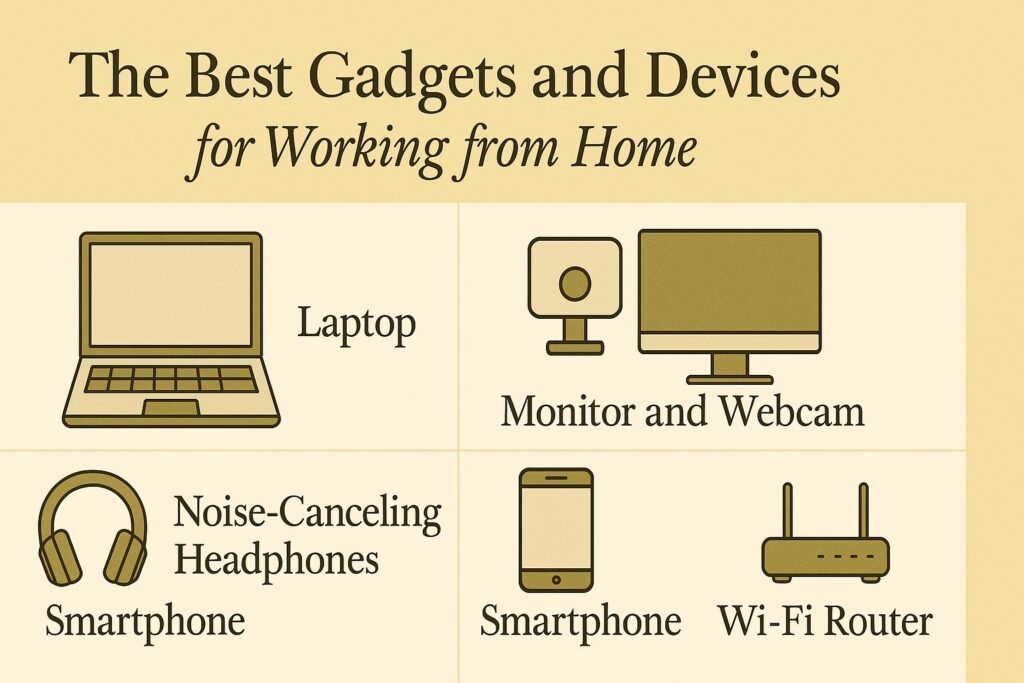
A Good Headset
A high-quality headset improves communication and focus.
What to look for:
- Noise cancellation
- Comfortable padding
- Clear microphone
- Wireless option
Recommended examples:
- Jabra Elite
- Sony WH-1000XM4
- Bose QuietComfort series
A Web Camera
Video calls are part of remote work. A clear webcam improves professionalism and communication.
Look for:
- 1080p or 4K resolution
- Good low-light performance
- Built-in ring light (optional)
Examples:
- Logitech C920
- Razer Kiyo
- Anker PowerConf
A Desk Lamp
Lighting affects mood and clarity during work.
Look for:
- Adjustable brightness
- Adjustable color temperature
- Flexible neck
Examples:
- BenQ ScreenBar
- TaoTronics LED desk lamp
A Quality Keyboard and Mouse
Typing comfort matters for long hours.
Keyboard choices:
- Mechanical keyboards
- Slim low-profile keyboards
- Ergonomic keyboards
Mouse choices:
- Wireless mice
- Vertical mice
- Trackballs
An Ergonomic Chair
Your health depends on proper seating.
Look for:
- Lumbar support
- Adjustable height
- Padded seat
- Breathable materials
Examples:
- Herman Miller Aeron
- Steelcase Series 1
- Autonomous ErgoChair
A Laptop Stand
A stand raises your laptop to eye level, reducing neck strain.
Choose:
- Metal stands
- Foldable stands
- Adjustable stands
Building a Complete Work-from-Home Setup
Here is how all these devices fit together into a high-performance home workspace.
Productivity benefits
- Faster workflows
- Better communication
- Organized workspace
- More control over schedules
- Reduced physical strain
Health and wellness benefits
- Less eye strain
- Better posture
- Improved comfort
- More awareness of breaks
- Stress management through gadgets like smartwatches
Emotional and mental benefits
- More structured days
- Fewer distractions
- Sense of professionalism
- More confidence in your setup
Financial benefits
Investing in the right gadgets saves:
- Time
- Repairs
- Frustration
- Missed deadlines
- Productivity losses
Conclusion
Working from home is not just a temporary trend. It is a long-term shift in how people work and live. With the right gadgets and devices, your home can become a productive, comfortable, and inspiring workspace.
Whether you choose a tablet for flexibility, a monitor for better visibility, a digital assistant for convenience, a Chromebook for portability, or a smartwatch for better balance, the goal is the same. Build a setup that supports your workflow, fits your habits, and helps you perform your best every day.
Choose tools that match your goals, your environment, and your budget. With the right gadgets, working from home becomes smoother, more enjoyable, and more productive.
If you would like to know more about my path as a writer, including the struggles, lessons, and small signs of progress along the way, you can read the full story on my Wealthy Affiliate blog here: https://my.wealthyaffiliate.com/johnmaluth/blog