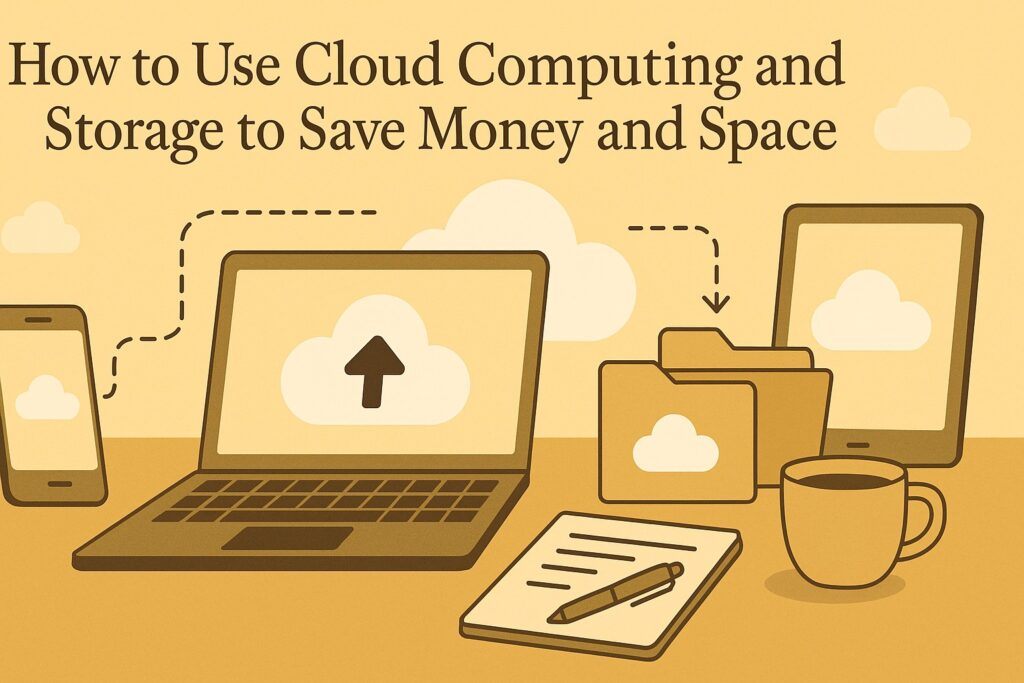
Learn How To Use Cloud Computing And Storage Today!
TL; DR
Cloud computing helps you store, manage, and access your files online without buying expensive hardware. It reduces the need for physical storage, lowers maintenance costs, and keeps your data safe and accessible from any device. Using cloud storage also simplifies backups, teamwork, and file sharing. It is a smart way to save money, save space, and stay organized in your digital work.
FAQs
What is cloud computing?
Cloud computing means using online servers and services to store and manage your data instead of keeping everything on your own device.
How does cloud storage save money?
You avoid buying external hard drives, servers, and other hardware. You only pay for the storage or features you need.
Can cloud storage save physical space?
Yes. You do not need shelves of drives or large equipment. Everything is stored online.
Is cloud storage safe for important files?
Most cloud providers use encryption and strong security. It is safer than keeping files on a single device.
Which cloud services can I use?
Popular options include Google Drive, Dropbox, OneDrive, and iCloud. Choose one based on your storage needs.
Can I access my cloud files anywhere?
Yes. You can open your files from any device with an internet connection.
Does cloud storage help with teamwork?
Yes. You can share files, collaborate in real time, and keep everyone updated without sending multiple versions.
Introduction
Cloud computing and storage allow you to access and manage your data online instead of relying on your own devices or servers. These services help individuals and businesses reduce costs, save physical space, improve performance, and enhance data security.
You might also like: Essential Computer Skills for the 21st Century: From Basics to Advanced Tips
This guide explains how cloud computing and cloud storage work, how they help you save money and space, and which services you can use for your personal or professional needs.
What Is Cloud Computing and Storage?
Cloud Computing
Cloud computing delivers services such as servers, databases, software, analytics, and networking over the internet. You access what you need on demand without purchasing or maintaining hardware. This improves flexibility, scalability, and reliability.
Cloud Storage
Cloud storage lets users upload, download, and access files online instead of keeping everything on physical devices. Files can be synced across multiple devices and shared easily. Cloud storage generally provides:
- More space
- Automatic backups
- Better security
- Collaboration tools
How to Save Money with Cloud Computing and Storage
Lower Capital Expenses
You avoid buying expensive hardware or software. You only pay for what you use. No need to purchase servers, upgrade equipment, or manage large installations.
Lower Operational Expenses
Cloud providers handle:
- Maintenance
- Security
- Cooling systems
- Electricity
- Technical support
This reduces the need for specialized staff and infrastructure.
Lower Risk
Cloud storage protects your data with:
- Multiple backups
- Disaster recovery systems
- Encryption
- Advanced security measures
This reduces potential losses from hardware failure, theft, or accidents.
How to Save Space with Cloud Computing and Storage
Less Physical Clutter
No need for bulky machines, cables, disks, or drives. You access everything from any device with internet access.
More Virtual Storage
Most cloud providers offer large storage limits. You never run out of space on your device, and you don’t need external hard drives.
More Efficient Performance
Cloud systems use:
- Data compression
- Deduplication
- Fast delivery networks
This speeds up access and reduces the load on your device.
Examples of Cloud Services
Google Drive
- 15 GB free
- Online access to Docs, Sheets, Slides
- Real-time collaboration
Dropbox
- 2 GB free
- File syncing across devices
- Collaboration through Dropbox Paper
Microsoft OneDrive
- 5 GB free
- Built-in with Microsoft Office Online
- Easy sharing and real-time editing
Amazon Web Services (AWS)
- Cloud computing platform
- Free tier for 12 months on selected services
- Hosting, analytics, storage, databases, and more
Google Cloud Platform (GCP)
- Wide range of cloud computing tools
- Free tier available
- Strong AI and machine learning options
Microsoft Azure
- Offers virtual machines, storage, databases, and more
- Free account option
- Enterprise-grade cloud platform
Conclusion
Cloud computing and storage help users reduce costs, save physical space, improve performance, and protect their data. With many services available—Google Drive, Dropbox, OneDrive, AWS, GCP, and Azure—anyone can choose a platform that fits their goals and budget. These technologies make both personal and business digital life easier and more efficient.
References
• Chicago-Style Citation Quick Guide
• Cloud Computing Cost: Comparison and Pricing Guide 2023
• Cloud Storage Pricing in 2023: Everything You Need to Know
• How much does the cloud cost?
• What is Cloud Storage & How Does it Work?